
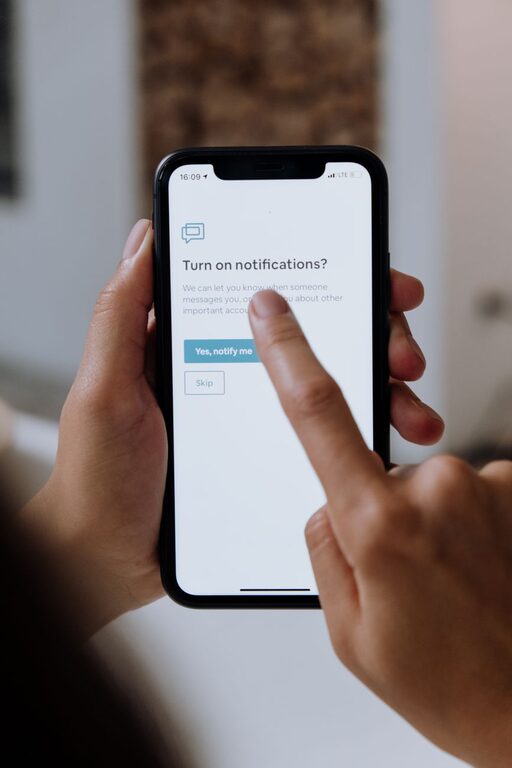
In today’s digital world, notifications are everywhere—from your phone and computer to apps and social media platforms. While these alerts can keep you informed and connected, they can also become a source of distraction and stress. Managing notifications effectively is key to maintaining focus, productivity, and mental clarity. This post explores practical tips for setting healthy boundaries with notifications so you can regain control over your attention.
Why Setting Boundaries with Notifications Matters
Notifications are designed to capture your attention quickly, often interrupting your current task. Constant interruptions can lead to decreased productivity, difficulty concentrating, and even increased anxiety. By setting clear boundaries, you can:
– Reduce distractions and improve focus
– Create designated periods of uninterrupted work or relaxation
– Minimize stress caused by information overload
– Improve work-life balance by separating personal and professional time
How to Set Boundaries with Notifications: Practical Tips
1. Audit Your Notifications
Start by reviewing which apps and services send you notifications. Ask yourself:
– Are these notifications necessary?
– Do they add value or cause unnecessary distraction?
– Can I check these updates at scheduled times instead?
Delete or disable notifications from apps you rarely use or find distracting.
2. Customize Notification Settings
Most devices and apps allow you to customize how and when you receive notifications. Consider these options:
– Turn off sound and vibration alerts for less important notifications.
– Use banners or silent alerts instead of pop-ups.
– Enable “Do Not Disturb” modes during focused work or rest periods.
Customizing notifications reduces their disruptive power while still keeping you informed.
3. Schedule Notification-Free Times
Set specific periods during your day when notifications are blocked or limited. For example:
– Morning and evening routines without phone alerts
– Focused work sessions free from interruptions
– Family time with notifications muted
Many smartphones and computers have built-in features like “Focus Mode” or “Do Not Disturb” to automate this.
4. Use Notification Summary Features
Some platforms offer notification summaries that gather and deliver non-urgent alerts all at once, rather than continuously throughout the day. This helps reduce constant interruptions while ensuring you don’t miss important updates.
5. Prioritize Notifications
Identify which notifications deserve your immediate attention and which can wait. For example:
– Immediate: work emails from clients, urgent messages from family
– Non-urgent: social media likes, promotional offers, newsletters
Adjust settings so only high-priority notifications trigger alerts or sounds.
6. Limit Social Media Notifications
Social media apps often generate frequent notifications designed to keep you engaged. Consider:
– Turning off most social media alerts completely
– Checking social media at specific times instead of responding to notifications in real-time
This reduces distractions and helps maintain a healthier digital routine.
7. Communicate Your Boundaries
If you work in a team or live with others, let them know your notification boundaries and availability times. Clear communication helps set expectations and reduces pressure to respond immediately.
8. Reflect and Adjust Regularly
Your needs may change over time, so take time every few weeks to reassess your notification settings and boundaries. Adjust as needed to maintain a balance between staying informed and minimizing distractions.
Tools and Features to Assist with Notifications
Here are some built-in tools and apps that can help you manage notifications effectively:
– Focus Mode / Do Not Disturb on iOS and Android
– Notification Summary on iOS
– Focus Assist on Windows
– Screen Time or Digital Wellbeing features that track and limit app usage
– Third-party apps like Freedom, Forest, or StayFocusd that block distractions
Using these tools can make it easier to enforce your notification boundaries without constant manual effort.
Conclusion
Setting healthy boundaries with notifications is an important step toward improving your focus, productivity, and overall well-being. By auditing your alerts, customizing settings, scheduling notification-free times, and communicating your availability, you can reduce distractions and reclaim your attention. Start small with a few changes and observe how it helps you feel more in control and present throughout your day. With consistent effort, you can transform your relationship with notifications and enjoy a better balance between staying informed and staying focused.
About the Author